
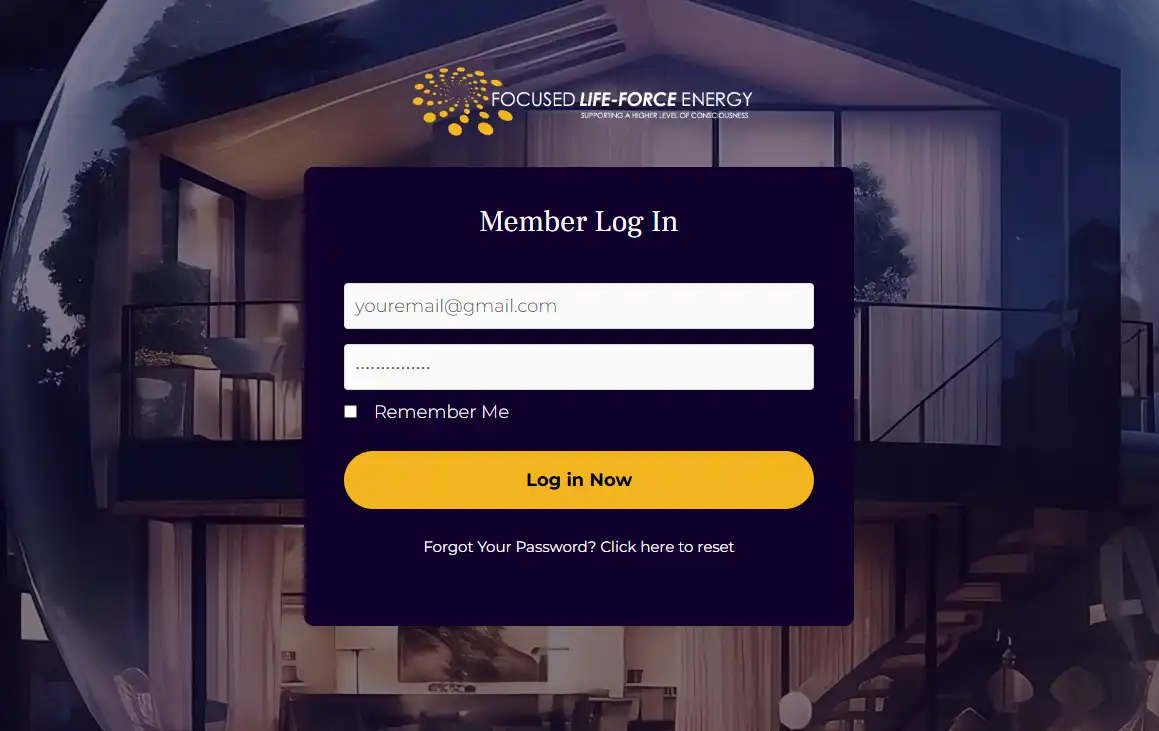
Step 2
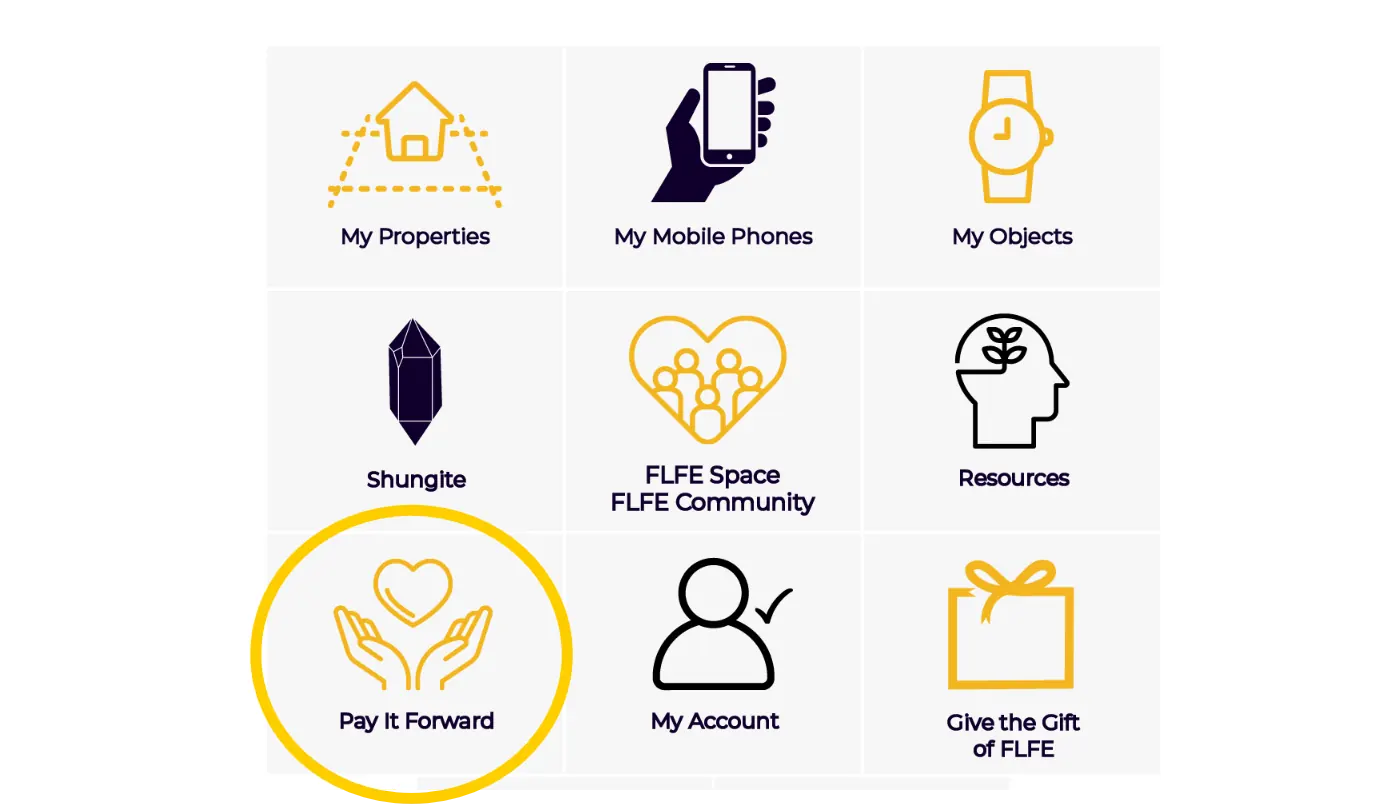
Click on the Pay it Forward button
Step 3
Fill in the location information. Click the “Apply my PIF” button.
You have paid it forward!
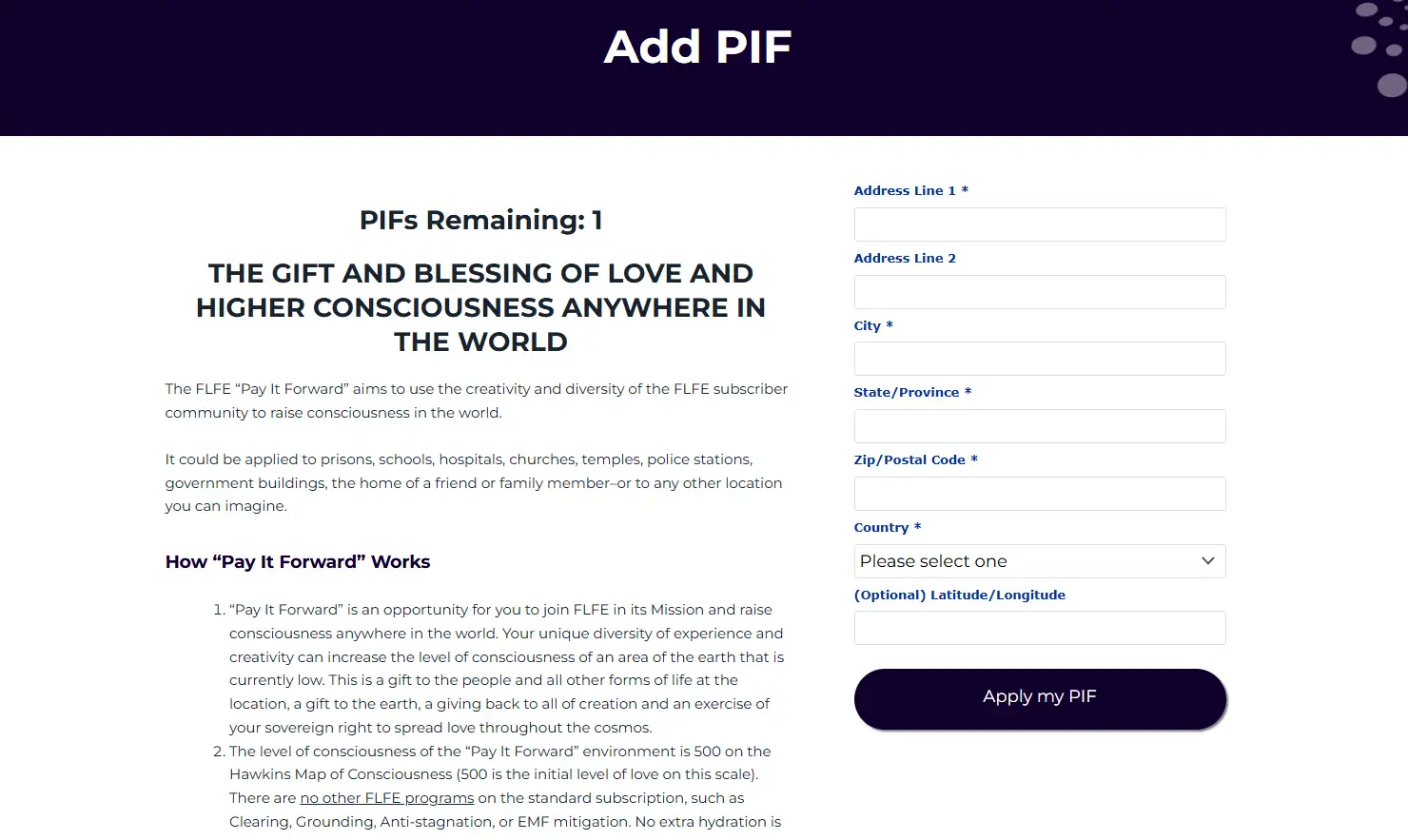
Only click the “Apply my PIF” once. Clicking twice will use two PIFs.
If the address remains filled in, delete it to add a new location. Browsers occasionally retain old information, but it does not mean the PIF wasn’t activated.